
Sports Card Value Guide
Trading Card Value Checker: Fast Ways to Price a Card
Learn how a trading card value checker works, what affects price, and the fastest way to check a card’s worth.
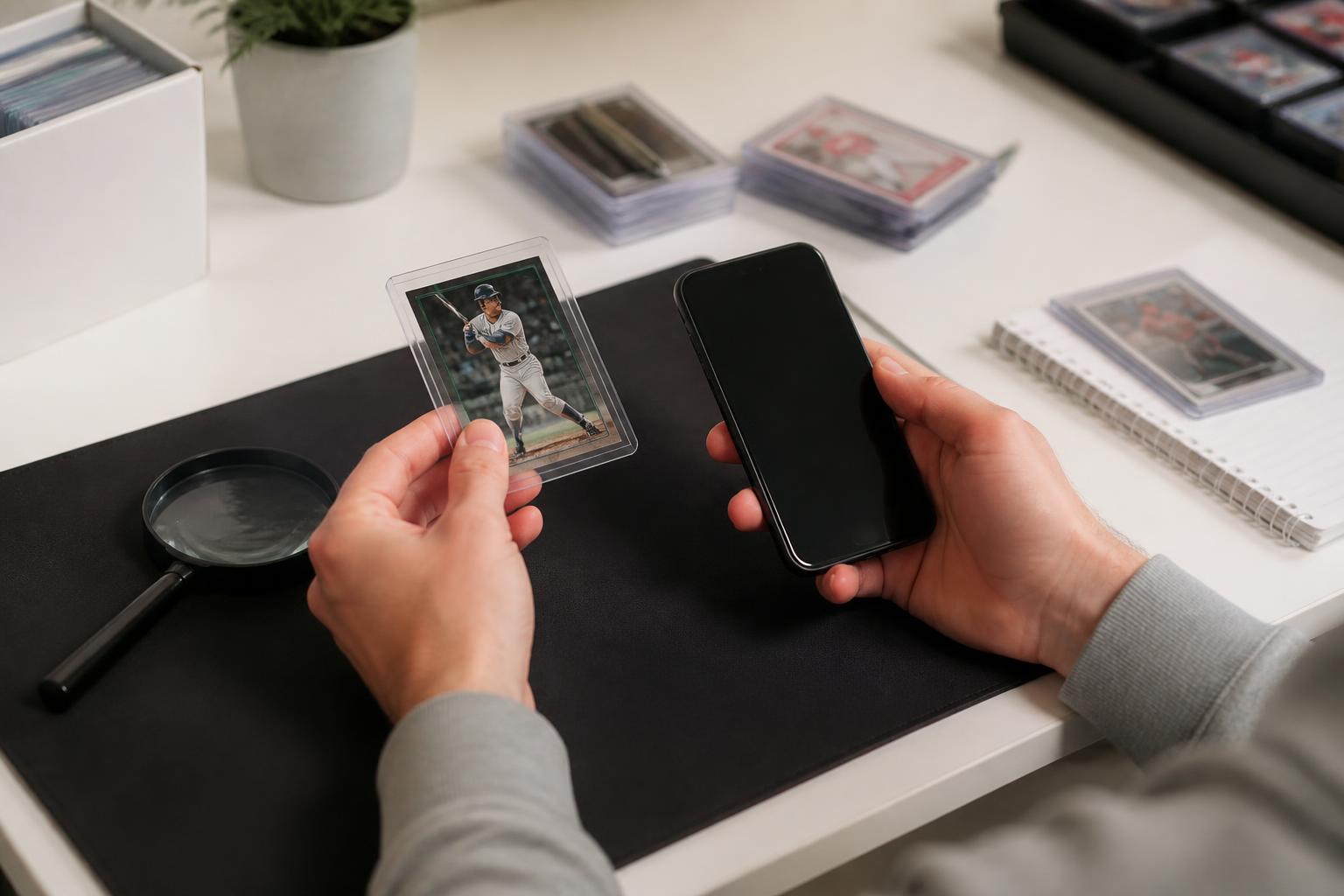
A trading card value checker helps you estimate what a card is worth by matching the card’s player, set, year, condition, and grading status to recent market data. In plain terms, it is a price lookup tool for sports cards and other trading cards. The best result comes from using the exact card details, then comparing the estimate with recent sold listings and graded-card results.
If you want the fastest path, start with a trading card price checker that can identify the card from a photo or from the card’s printed details. Then confirm the result by checking condition, centering, corners, edges, surface, and any professional grade. That sequence gives you a practical value range instead of a guess.
What a card value checker actually does
A card value checker compares your card against known market references. Those references usually include sold listings, graded-card sales, and catalog data. The reading is simple: if your card matches a scarcer version, a higher grade, or a stronger set, the estimate usually moves up. If it has wear, trimming, staining, or a missing feature, the estimate usually moves down.
This matters because two cards that look similar can have very different values. The year, parallel, autograph status, rookie status, and grading company can all change the number shown by a trading card value checker.
The main inputs that affect a lookup
- Player or subject: The athlete or subject on the card. A more collected name often has more market activity.
- Set and year: The card’s release matters because different sets have different print runs and collector demand.
- Variation: Short prints, parallels, inserts, and image variants can change value.
- Condition: A clean card usually brings a stronger result than a worn copy.
- Grade: A third-party grade can separate one card from another even when they share the same front image.
How to check what your card is worth
Use a simple process. First, identify the card exactly. Second, check whether it is raw or graded. Third, compare the condition with the market examples you can find. The method is straightforward, and it works best when you do not skip steps.
- Read the front and back carefully. Write down the player name, year, set, and card number.
- Look for version clues. Check whether the card is an insert, parallel, refractor, serial-numbered card, or autograph.
- Assess condition. Look at corners, edges, centering, and surface under good light.
- Check graded examples. Compare raw cards with graded cards only if the grade is the same or clearly marked.
- Use a trading card value checker. Get an estimate, then compare it with recent sold prices for the same card.
- Adjust for your copy. If your card is cleaner or worse than the examples, move your expectation up or down.
Condition and grading: the biggest price difference
Condition means the physical state of the card. Grading means a third party has examined the card and assigned a score or label. The reading is important: condition affects raw cards, and grade affects certified cards. A raw card and a graded card should not be treated as equal unless the market examples support that comparison.
For modern and vintage cards, the common inspection points are the same. Centering, corners, edges, and surface are the first places to look. If any of those areas show wear, print defects, or damage, a trading card value checker should be used as a starting point, not as a final number.
| What to check | What it means | How it affects value |
|---|---|---|
| Centering | How evenly the image is placed on the card | Off-center cards often sell for less than sharper examples |
| Corners | Whether the corners are sharp, soft, bent, or rounded | Rounded or damaged corners usually reduce value |
| Edges | Whether the borders are clean or show chipping | Edge wear usually lowers the estimate |
| Surface | Whether there are scratches, print lines, creases, or stains | Surface issues can move a card out of the top price range |
| Grade | A third-party score or label for the card | Higher grades usually bring stronger comps than raw copies |
If you want a deeper look at how grading changes value, see PSA Card Values: What Changes the Price and How to Check Yours. That page is useful when you are comparing a slabbed card with raw market sales.
Sport-specific factors that move price
Different sports can behave differently in the market, but the core logic stays the same. The card’s player, set, and condition matter first. The sport then affects which names tend to get searched and compared more often.
Baseball cards
Baseball cards often depend on career milestones, rookie status, and set scarcity. Older cards can be especially sensitive to condition because surviving copies vary widely. If you are checking a card for a Hall of Fame player or a classic star, compare it to other examples from the same set before using the number from a trading card value checker as your final estimate.
For player-specific examples, you can also compare with Sammy Sosa Baseball Card Value Guide for Collectors and Rickey Henderson Baseball Card Values by Condition and Set.
Basketball cards
Basketball card value often shifts with rookie demand, premium sets, and grading quality. A card with clean edges and strong centering can look meaningfully different from a similar card with visible wear. If the card is from a well-known era or a widely collected player, small condition changes can matter more than many casual sellers expect.
For more examples, see Larry Bird Basketball Card Values by Condition and Grade and Shaq Basketball Card Value: How to Check What It Is Worth.
Football cards
Football cards often depend on rookie year interest, star power, and whether the card comes from a premium or widely collected set. Condition still drives the final number, but a strong player name can keep interest high even when the copy is not perfect. For a football example, see Deion Sanders Card Values by Set, Condition, and Grade.
When the estimate is probably off
A trading card value checker is most useful when the card is identified correctly. If the card is misread, the estimate can be misleading. That is why the next step is always verification. The tool gives you a range, and your inspection decides where your copy fits inside that range.
- The card is a parallel or variation that looks like the base version.
- The image or card number is partially hidden or worn.
- The card has been trimmed, recolored, or altered.
- The card is graded, but the lookup is using raw-card examples.
- The card is from a set with multiple printings or reissues.
If you have a high-end vintage card and the result seems unusually low or high, compare it with Honus Wagner Baseball Card Value: What Drives the Price and How to Check It to see how rarity and condition can reshape the market view.
A practical checklist before you sell or trade
Before you list a card, write down the facts that a buyer will ask for. That keeps your description accurate and makes the value estimate easier to defend.
- Player name
- Year and set
- Card number
- Base, insert, parallel, autograph, or serial-numbered status
- Raw or graded
- Any visible condition issues
- Recent comparable sales for the same card or a close match
If you collect across multiple sports, you may also want to compare similar-name pages like Steve Young Card Value: What Affects Price and How to Check It or Johnny Bench Baseball Card Value: What Drives the Price and How to Check Yours. Those examples can help you see how condition and set details change the outcome.
Best way to use ScoutCard
If you want a faster starting point, use the ScoutCard scanner in the Sports Card Scanner app. It is designed to help you identify the card first, then move into pricing with less manual searching. That is the useful part: the app can reduce the time spent on basic identification, and you still make the final judgment based on the card’s condition and comparable sales.
Open ScoutCard in the App Store to start a scan and compare your card against market references.
FAQ
What is the difference between a trading card value checker and a price checker?
They usually refer to the same basic tool. A trading card value checker focuses on estimating what a card is worth. A trading card price checker often emphasizes market prices and sold listings. In practice, the best tools do both: they estimate value and help you compare recent sales.
Should I use a graded price or a raw price?
Use the price that matches your card’s current status. If your card is in a slab with a grade, compare it to graded examples. If your card is ungraded, compare it to raw examples. Mixing the two can distort the result.
Why does the same card show different values?
The same card can show different values because condition, grade, and version all matter. A cleaner copy usually compares differently than a worn one. A card with a higher grade or a scarcer parallel can also bring a different estimate.
What should I do if my card looks altered or damaged?
Do not assume the highest price applies. Compare it with lower-condition sales and, if needed, ask a qualified card grader or experienced dealer for a closer look. If the card has visible damage or possible alteration, describe it honestly when you list it.
Bottom line
A trading card value checker is a useful starting point, not the final word. The fact is that card value depends on exact identification, condition, and grade. The practical reading is that the more carefully you verify those details, the better your estimate will be.
If you want a quick next step, scan the card with ScoutCard, confirm the set and version, then compare the result with recent sold examples before you buy, sell, or trade.
Try the ScoutCard app
Use the app when you want a faster, more organized starting point before comparing details manually.